
Screen vessel records with context
Use the vessel subject type and known IDs, such as an IMO number. Choose sources that support vessel checks.
Sanctions screening for maritime and logistics teams
Screen vessels and the companies involved in a shipment. Compare the known names and IDs with supported sanctions sources. Keep each check with the shipment file so reviewers can follow a change of vessel or operator.
Paid plans start at $59/month for 5,000 checks each month. API and review dashboard included. See pricing.
The parties around a shipment
List screening does not provide vessel tracking.
Built around your work
A shipment can move to another vessel after booking. The first vessel’s result does not cover the replacement, and an operator’s result does not cover the ship. Each required party needs its own check.
Use the vessel subject type and known IDs, such as an IMO number. Choose sources that support vessel checks.
Compare the full source record, including known names, flags, and IDs. Note missing facts and ask for evidence where needed.
Keep vessel and company results linked to the shipment. Review route, cargo, ports, and ownership through your separate trade processes.
Put it into practice
A booking change can bring a new ship into the file. The reviewer needs the new vessel’s facts and the earlier history in one clear trail.
The shipment reference connects the work. Vessel and company results stay separate, and the logistics team owns the wider shipment decision.
List the vessel, operator, customer, and other parties your policy requires. Confirm each known legal name and useful ID.
Check the selected sources for each subject. Send possible matches to review and keep failed checks open.
Save the result IDs with the shipment. When a vessel or party changes, follow your policy for that new subject.
Example Seaway Logistics plans a shipment with a vessel, an operator, and a freight customer. The booking then changes to a different ship. The team keeps the first vessel’s check as history and screens the new vessel using its own ID. The operator’s no-match does not cover either ship.
A reviewer compares the new vessel’s IMO number with any IDs in the source record. A missing ID is a gap, not a conflict. A different ID needs review in context. Keep the open question with the shipment reference while your team handles voyage, cargo, and ownership checks in the appropriate separate tools.
Scroll horizontally to compare every column.
| Work item | Screening evidence | Your team’s responsibility |
|---|---|---|
| Vessel | Vessel subject and supported identifier such as an IMO number. | Verify supplied identifiers and investigate names or flags that changed. |
| Operator and counterparties | Separate organization subjects and source evidence. | Determine ownership, roles, and the complete party set. |
| Shipment file | Retained screening references and review rationale. | Assess cargo, route, ports, and any transaction restrictions separately. |
Start with the synthetic demo. Use an invented ship with a known IMO number, one known only by name, and a replacement added after booking. Confirm that each chosen source supports vessels. A source may not supply the same fields or vessel detail as another.
Ask the reviewer to find the right result for each vessel and company. Then follow a possible match through review and export. Estimate the checks for all required parties, plus planned rescreens. Monitoring can repeat selected list checks, but your own system must still handle a changed ship, route, or contracting party.
TRY IT WITH YOUR TEAM
Check your sources, try a free live check and estimate your monthly cost.
Find your required sources, what they cover and when they were refreshed.
Explore coverageUse your free live checks to find possible matches. Compare the evidence and save a decision.
Start with 250 free checksCount new checks, rows in uploaded lists and repeat checks from monitoring.
See workload examples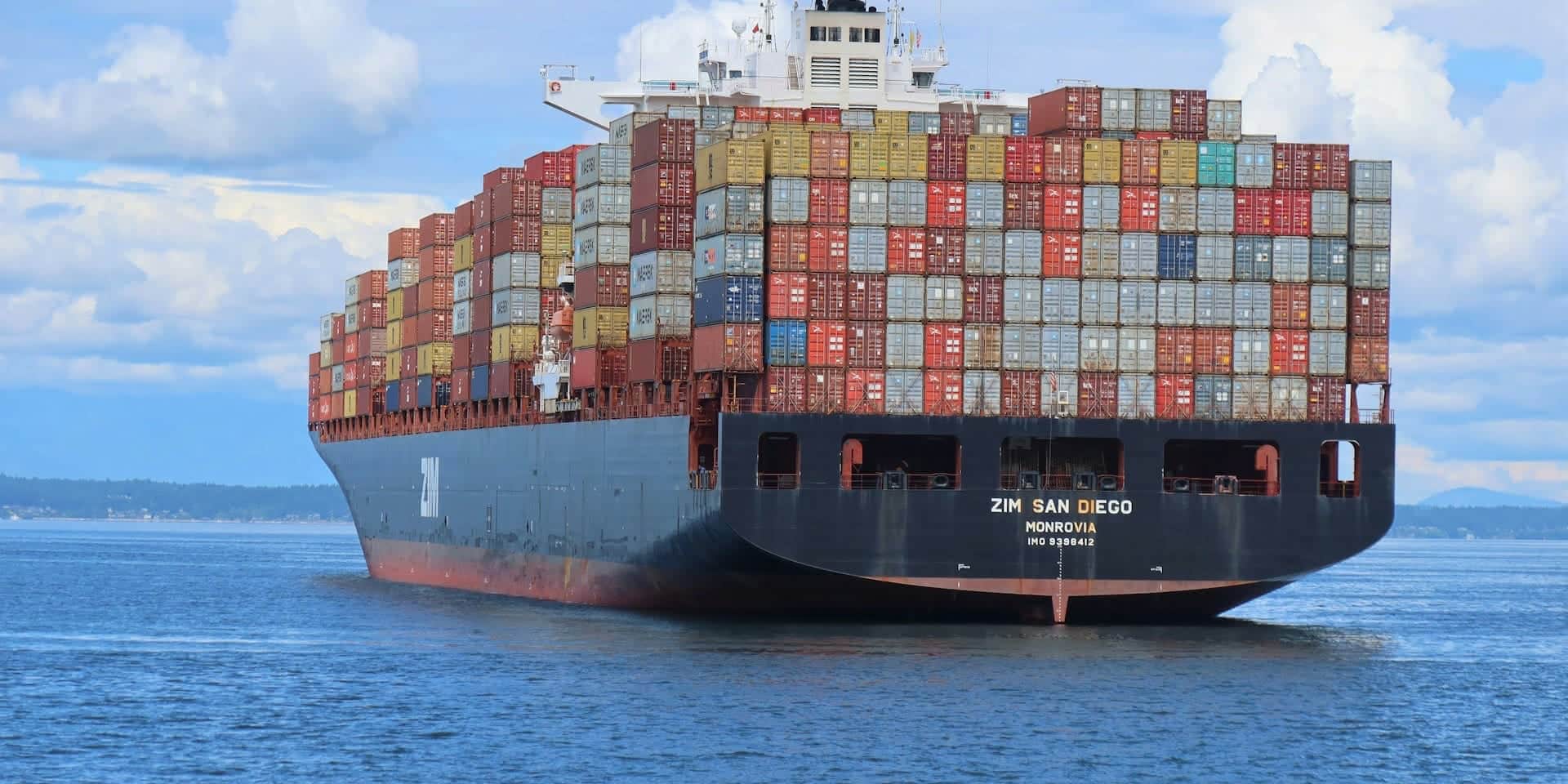
Evaluate the fit
No. Live vessel tracking, AIS data, and voyage intelligence are separate services. SanctionsKit compares submitted vessel and party details with supported lists. It does not follow a ship’s live position or route.
You can include a known IMO identifier with a vessel subject when the chosen sources support that type. Review the actual source fields. A missing IMO number in a source is unknown information, not proof that the ship is different.
No. Your policy may also require checks on the operator, owner, buyer, seller, or other parties. Cargo, route, ports, ownership, and trade restrictions need their own assessment.
Record the replacement as a new subject and run the checks your policy requires. Keep the old result as history. Link both to the shipment reference so reviewers can follow the change.
No. It repeats selected-source checks for a saved subject. Your shipment process must handle a new route, cargo, vessel, or other party and decide which checks those changes require.
See SanctionsKit in action
Start with 250 free live checks. Use the API or dashboard to review matches and save decisions. Choose a paid plan when you need more checks.